DevOps
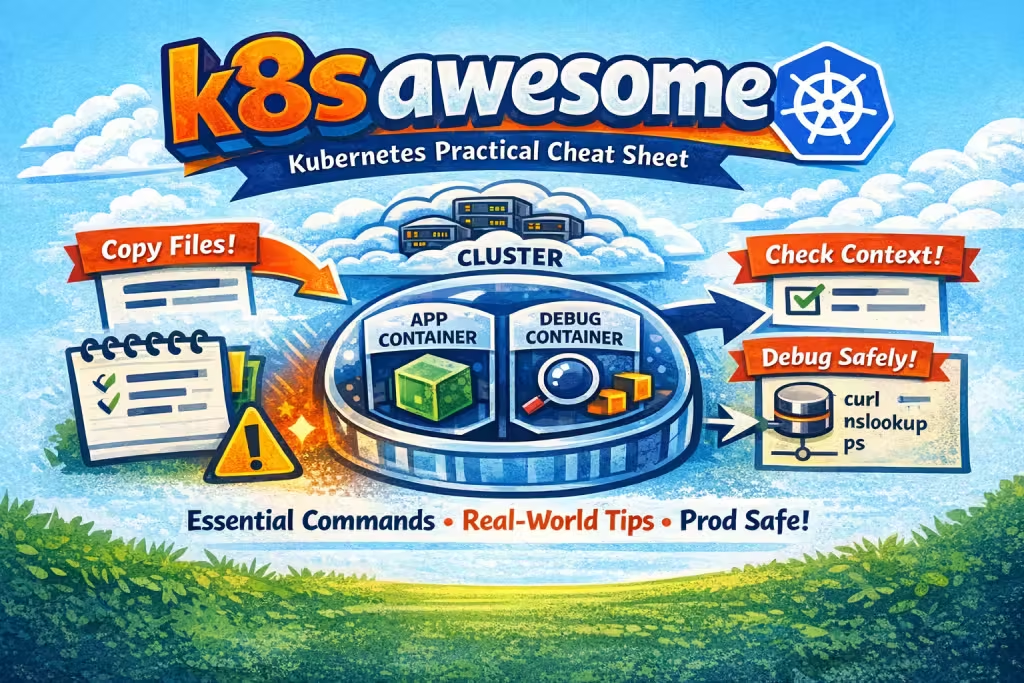
k8s awesome (Kubernetes Practical Cheat Sheet)
A small practical guide for everyday Kubernetes usage: copying files into containers, entering pods, and handling common real-world pitfalls.
Enter a container shell
- Verify context
kubectl config get-contexts kubectl config use-context my_CTX - List pods
kubectl get pods -n my_NS - Enter pod shell (single container)
kubectl exec -it my_POD -n my_NS -- shor, if multiple containers:
kubectl exec -it my_POD -n my_NS -c container-name -- sh
ALL in ONE command:
kubectl config use-context my_CTX && kubectl exec -it $(kubectl get pods -n my_NS --sort-by=.metadata.creationTimestamp -o name | grep api | tail -1) -n my_NS -- sh
Copy file from local machine to a container
- Show all Kubernetes contexts and see which one is active (*)
kubectl config get-contexts - Switch to the required context
kubectl config use-context my_CTX - List namespaces (usually your application name)
kubectl get namespaces - List pods in the namespace
kubectl get pods -n my_NS - Check container names inside the pod
kubectl get pod my_POD -n my_NS -o jsonpath='{.spec.containers[*].name}' - Copy a file into the pod (single container)
kubectl cp /path/to/local/file.txt my_NS/my_POD:/path/in/container - Copy a file into a specific container (multiple containers)
kubectl cp /path/to/local/file.txt my_NS/my_POD:/path/in/container -c container-name
Fix file permissions inside container (IMPORTANT)
⚠️ Important: After copying files, do not forget to apply correct ownership and permissions. Files copied with
kubectl cp are often owned by root.Example:
chown app-data:app-data /var/www/app/var/*.csvPro tips
-
Debug containers are safer than touching app containers
If your cluster supports it, prefer ephemeral debug containers:
kubectl debug -it my_POD -n my_NS --image=busybox
Quote of the day:
Хорошие характеры, как и хорошие сочинения, не столько поражают вначале, сколько под конец.
By den
On Feb 10, 2026